

DATA MIGRATION
Secure, stress-free data migration to intelliflo office.
Our experienced data migration team moves your client data from your current back-office system into intelliflo office. It is extracted, cleansed and checked, and you sign it off before anything is imported.
Part of our financial advice software.
Why switching is easier than you think
Thousands of firms have already made the move.
Moving to a new back-office system is a big decision, and how your client data comes across is often the first concern. In our 2026 UK Advice Efficiency Survey of 209 advisers, 35.9% named data migration complexity as a barrier to switching platform. Over two decades, our data migration team has moved more than 2,200 firms to intelliflo office, so we know the challenges inside out and how to overcome them.
2,200+
firms migrated to intelliflo office
2 days
average turnaround for the data extract stage
95%+
average success rate for a data import
2 weeks
is the rule of thumb to extract, cleanse and import your data
Stage by stage
What happens at each stage.
Data extraction
We create a spreadsheet for each service, with a report analysing the quality of your data and guidance on cleansing it further. Average turnaround is two working days.
Data cleanse
Your team works through the extracts and analysis in Excel. It takes around three working days on average, depending on the quality and quantity of your data.
Data import
Once your files are returned and signed off, we schedule the import. A typical migration takes three to five working days, depending on volume and the services selected.
Test iterations
Optional test extracts let you spot gaps early, cull unwanted records and plan the cleansing effort before the final live extract.
How your data moves to intelliflo office.
Every migration has its own project plan, shaped by the services you choose, how much data needs cleansing and the system we extract from. Once your contract is signed, it follows the same proven path.
Extract and analyse
We extract and cleanse your data, then return it as a set of Excel files, typically one per service such as Clients, Plans and Tasks, with a report on its quality.
Cleanse and return
Your team uses our data analysis document to tidy anything that still needs work, then securely returns the amended files to us.
Sign off and import
You sign off each extract file through DocuSign. Once we receive your sign-off, the import into intelliflo office begins.
“
intelliflo has lots of experience in migrating from a myriad of other platforms in the sector and that experience is really valuable to our own business, because we can then transition new businesses into ours very smoothly.
IP
Ian Plumpton
Chief Risk Officer, Attivo

Related software
Keep exploring intelliflo office.
Every feature works from the same client record, so each one makes the others more useful.
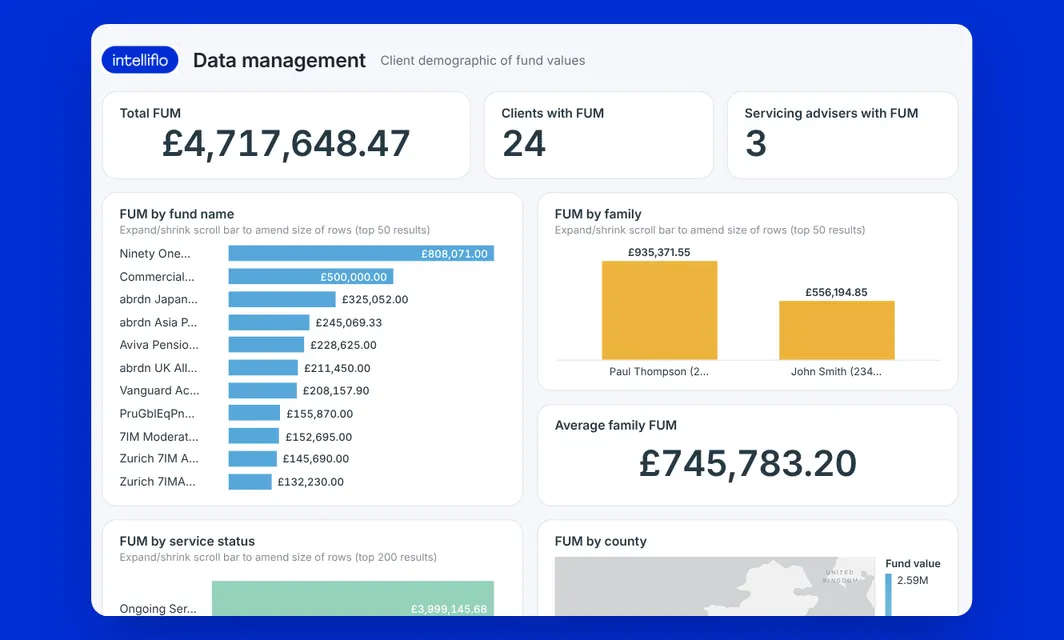
Data management
Live data, no-code dashboards and Power BI, Tableau or SQL integrations, inside intelliflo office.
Financial advice software
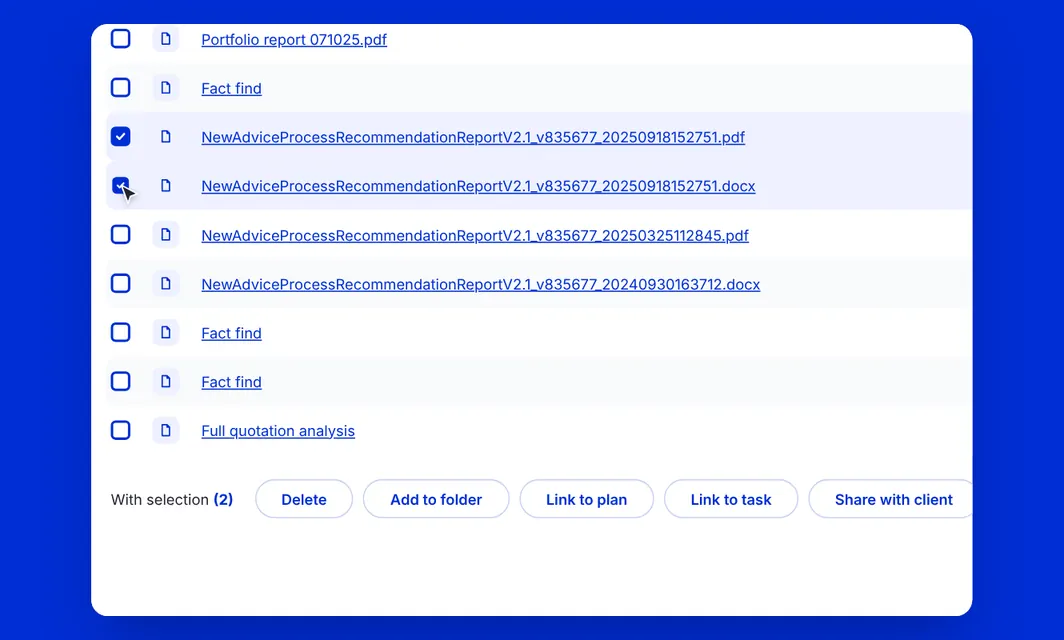
Document management
Create branded suitability reports and client documents, share them through the client portal and e-sign with DocuSign.
Financial advice software
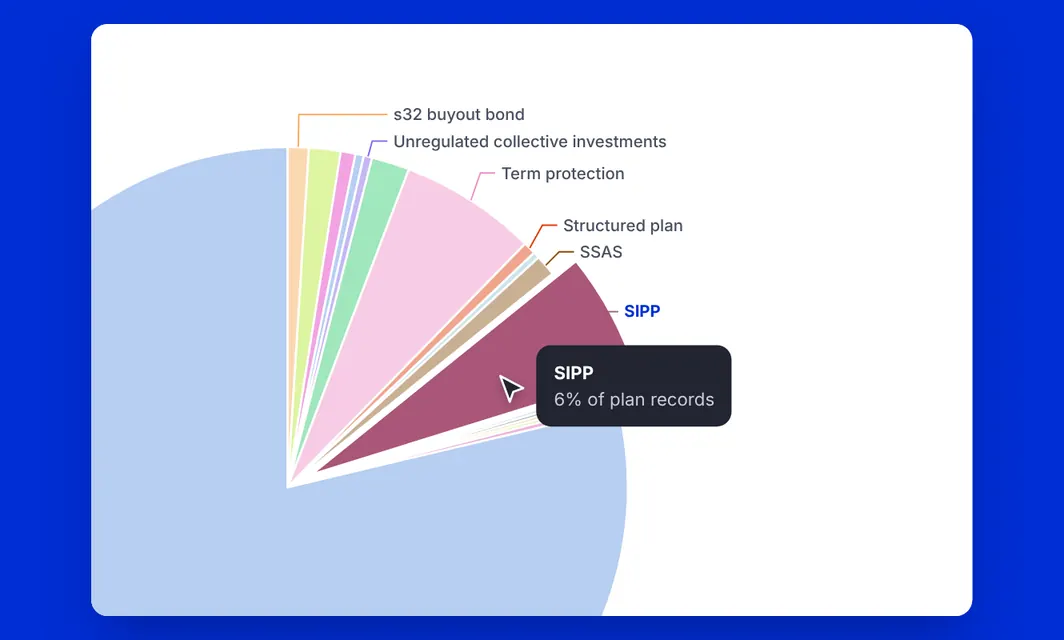
intelliflo data sharing
Live, enterprise-grade data from intelliflo office, built with Snowflake, for the BI tools you already use.
Financial advice software
Swipe to see all three
Frequently asked
Data migration questions, answered.
How long does data migration take?
As a rule of thumb, the extract, cleanse and import take up to two weeks. Every migration has its own project plan, so the time depends on the services you choose, the volume of your data and how much cleansing it needs.
Can we keep using our old system during the migration?
Yes. While we extract and cleanse your data, you can keep using your old system on a read-only basis and add new clients straight into intelliflo office.
Which systems can you migrate data from?
We run standard migration scripts for the main back-office systems in the market, including Enable, IRESS XPlan, Adviser Office (formerly Avelo), Bluecoat, CCL, Durell, Fairs, JCS, Plum, Prestwood, Quay, SesameOffice, Swift, T4A and True Potential.
What is the difference between the standard and bespoke services?
Our standard service moves the most commonly requested data from your existing system. If you need data the standard service does not cover, our team will review your requirements and recommend a bespoke migration.
What if our data is in poor shape?
Our team cleanses it before you see it and gives you a detailed analysis of what still needs work. We fix the most common errors, such as the same provider spelled several ways: we cleanse policy numbers, normalise provider names, format National Insurance numbers, check for duplicate emails and flag missing mandatory fields. You can also ask for optional test extracts first.
How is our data kept secure during the move?
Files move securely between your team and ours at every stage, and you sign off your data before anything is imported. intelliflo office is built on Amazon Web Services (AWS), and intelliflo is certified to ISO 27001, the international standard for information security, and follows the controls set out in the government-backed Cyber Essentials scheme. Client data is hosted in the UK, in the AWS London region (eu-west-2).
What resources will our team need?
You do not need extra resource. It helps to involve someone who knows your data and is comfortable working in Excel, and we will walk you through anything that is unclear.
What happens after the import?
We guide you through a structured onboarding process built around your firm’s objectives, with training, regular communication and ongoing support once intelliflo office is live. Your team also gets intelliflo connect, our online community with 800+ knowledge articles and the intelliflo Academy for training. With clean data in place, you can make the most of features such as workflow management, income management and valuations from day one.
READY TO SWITCH
Bring your data with you.
Tell us about your firm and your current back-office system, and our team will talk you through how your data migration would work.